
Interviewer
Scenario. 60-min recorded interview with thinking pauses every minute.
Outcome. Cuts down to 38 minutes; pacing tightens without removing meaning.
Detect and cut silences, "ums," and dead air with one click. Tighten interviews, podcasts, and talking-head footage automatically.
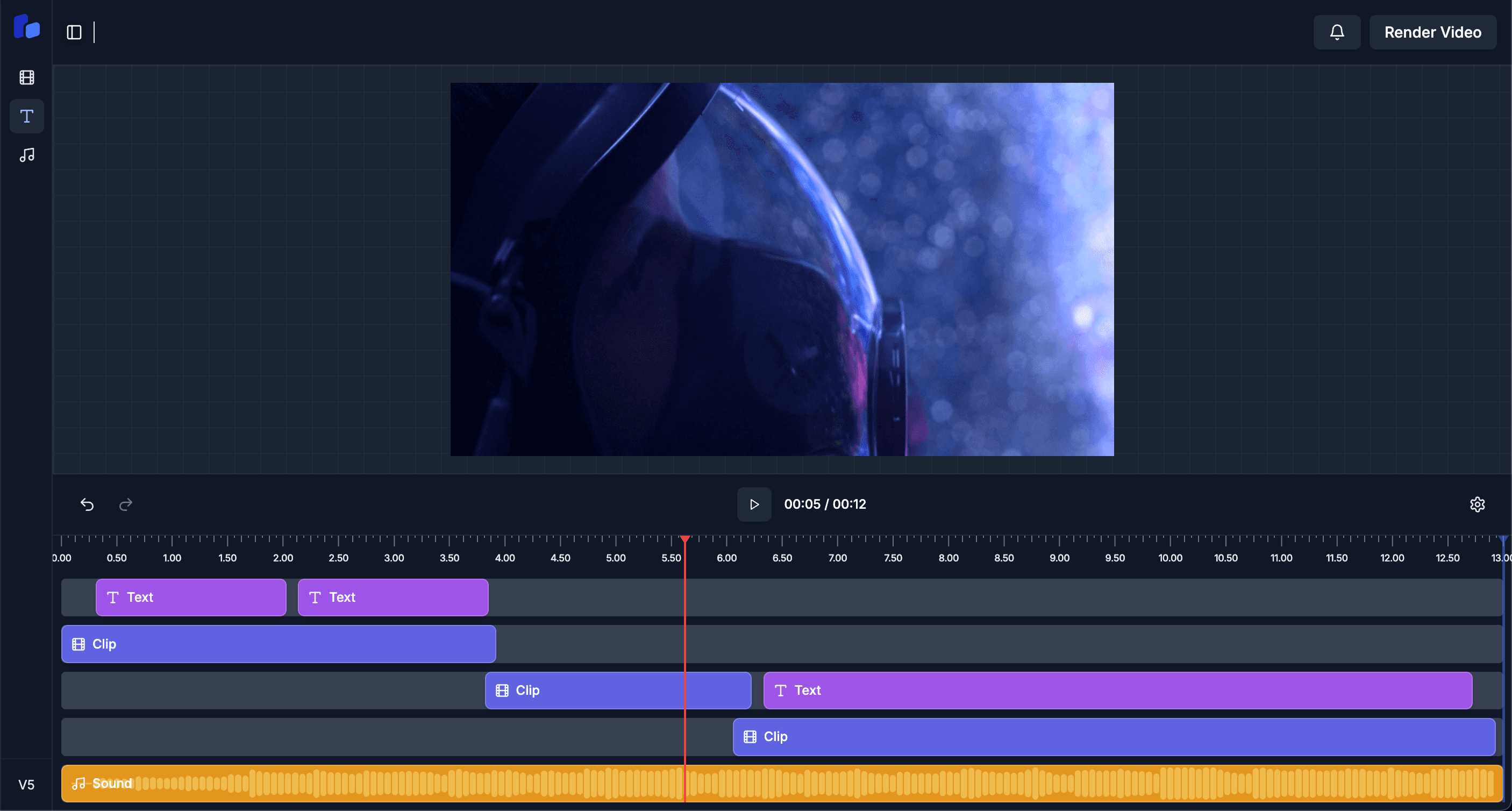
AI scans the audio waveform with your chosen threshold.
Each detected silence is highlighted on the timeline.
One click per cut, or accept-all if the analysis looks good.
Cuts are non-destructive — undo anytime, or layer captions on top.
Scenario. 60-min recorded interview with thinking pauses every minute.
Outcome. Cuts down to 38 minutes; pacing tightens without removing meaning.
Scenario. Multi-hour stream with frequent dead air for game loads.
Outcome. Hour saved per video, with smooth-feeling cuts thanks to padding.
Scenario. Course module recordings where every "uh" feels unprofessional.
Outcome. Filler-words gone, lecture pace tighter, retention improved.
Configurable. Default is -40 dB for 0.5 seconds; you can dial it up or down per project.
Yes — every detected silence shows on the timeline as a proposed cut. Accept individually or in bulk.
It detects on the spoken-audio track. Background music on a separate track stays untouched.
Adjustable padding keeps a natural amount of breath at each edit point — sounds smooth, not robotic.