
Streamer
Scenario. Has a 4-hour stream VOD and wants 8 short clips by end of day.
Outcome. Says "give me 8 hooks, 30s each, captioned" — AI returns clip suggestions to render.
No menus, no clicks, no learning curve. Tell the AI what you want to change and it mutates your timeline directly.
The Sparkles tab in the editor sidebar — one click away from any project.
"Add a caption for the first 10 seconds" — full sentences, your words.
The model picks the right operation (add_text_overlay, split, update_overlay, etc.).
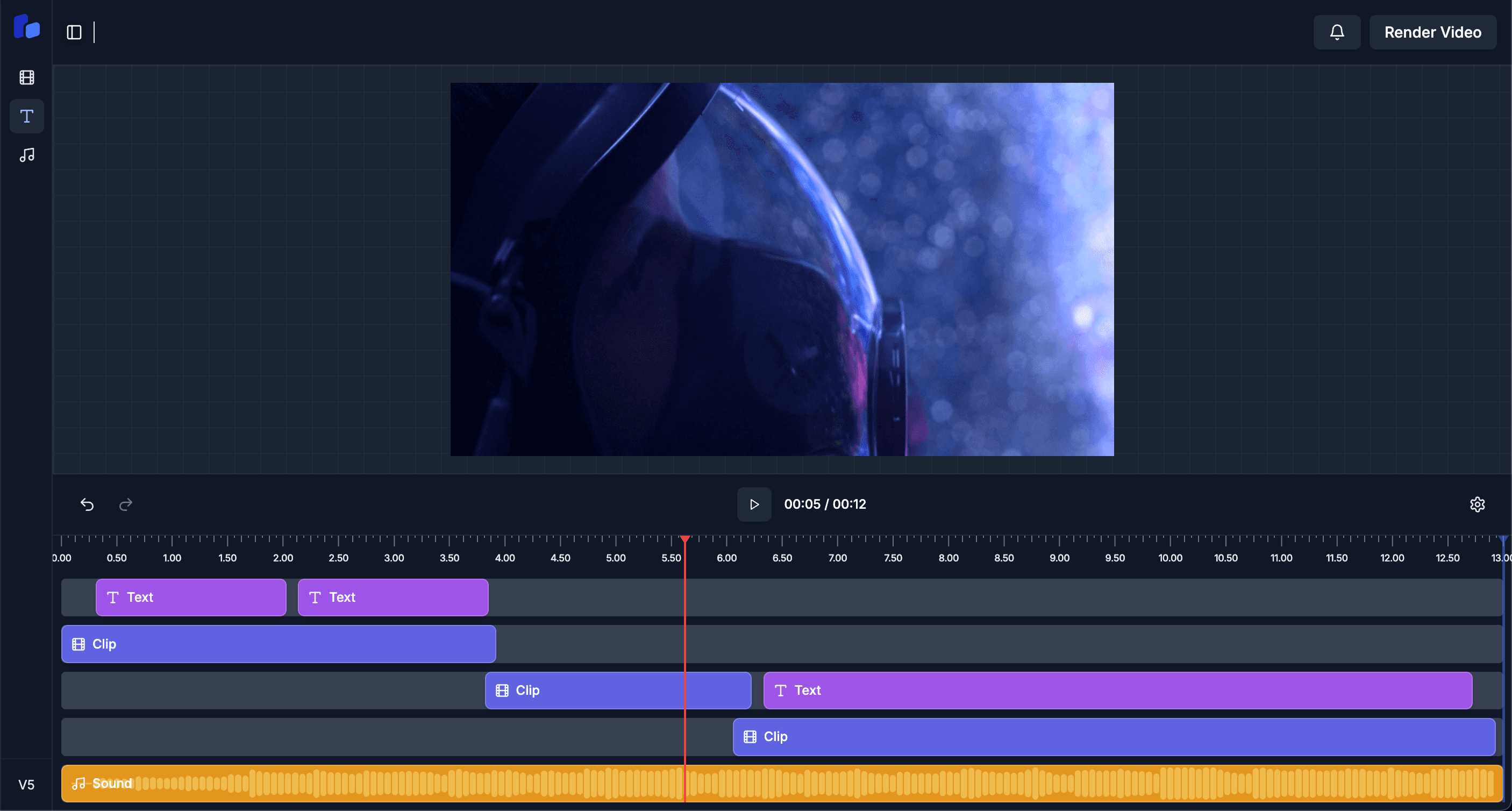
Every AI-applied change is a normal overlay you can drag, restyle, or delete.
Scenario. Has a 4-hour stream VOD and wants 8 short clips by end of day.
Outcome. Says "give me 8 hooks, 30s each, captioned" — AI returns clip suggestions to render.
Scenario. Needs a 30s product reel with bottom-third captions matching brand colors.
Outcome. AI applies brand-template captions, swaps cover frame, sets the export aspect ratio.
Scenario. Trains a junior editor on the brand style without writing a 20-page guide.
Outcome. AI enforces the rules — wrong fonts, sizes, and colors are corrected on every project.
Claude (Anthropic) with tool-use. The model has 8 timeline-mutation tools available — add/remove/update/split overlay, etc.
Yes — the current overlay state is included in the system prompt every turn so the AI is grounded in what already exists.
Yes — every AI tool call appears in the timeline as a normal overlay edit. Use Ctrl+Z or delete the overlay directly.
Yes — set AI_MODE=local to route through Ollama running on your own machine.