
Solo creator
Scenario. Wants a week's content scheduled by Monday morning.
Outcome. Bulk-creates 14 posts (2/day × 7 days × 8 channels = 112 publishes) in 30 minutes.
Drag posts onto a Metricool-style calendar, mirror to multiple platforms, and let AI write per-channel captions. Best-time slots included.
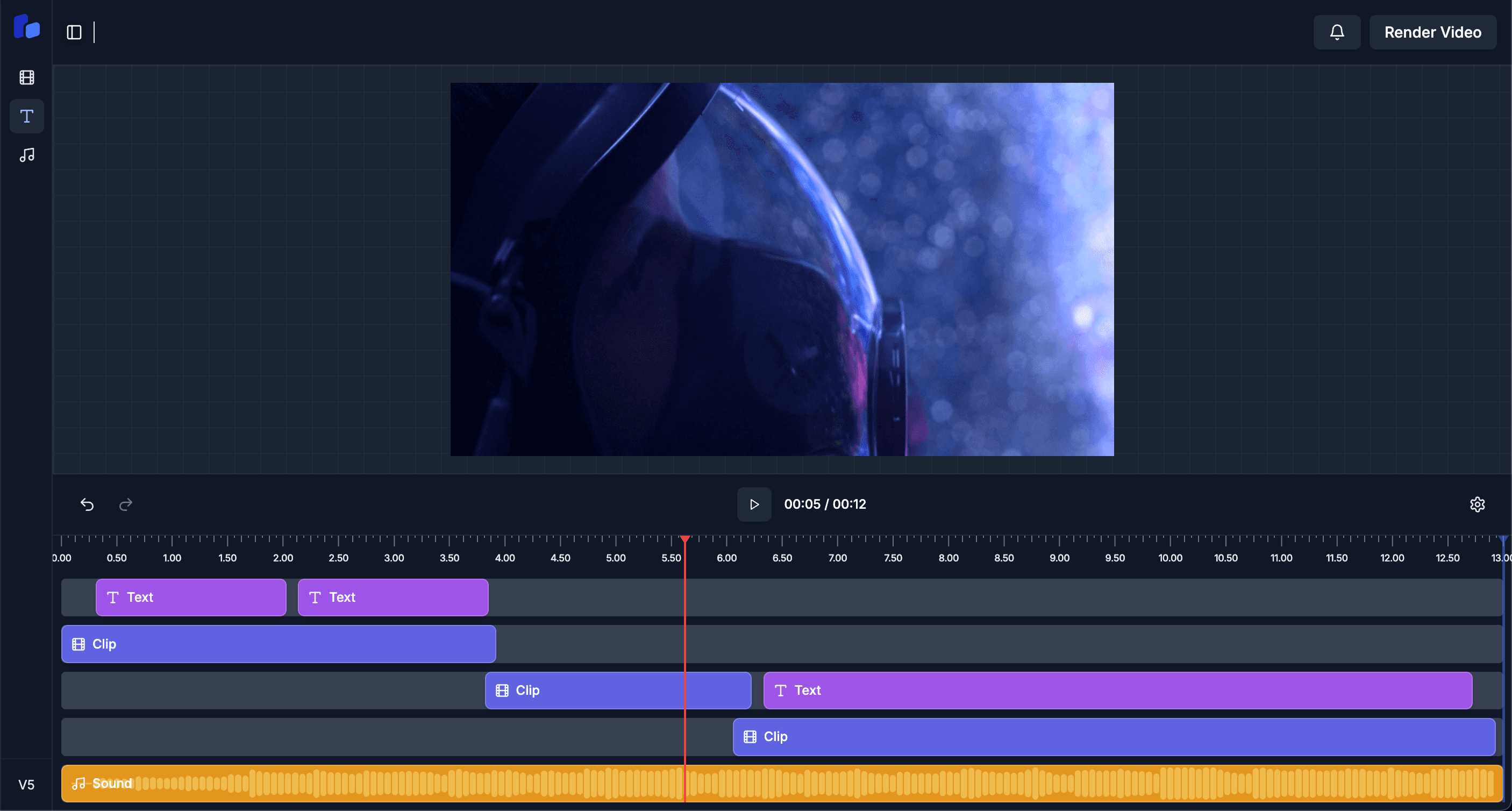
Render a video in the editor or upload an existing one.
One toggle per platform — Reels, Shorts, Threads, posts all selected at once.
Per-channel captions tuned to each platform's style and length cap.
Drag to a slot or use Best-Time; the publisher takes it from there.
Scenario. Wants a week's content scheduled by Monday morning.
Outcome. Bulk-creates 14 posts (2/day × 7 days × 8 channels = 112 publishes) in 30 minutes.
Scenario. Manages 6 client accounts, each with 4 social channels.
Outcome. Per-client calendars, isolated approvals, audit log of every publish action.
Scenario. Releases an episode + 5 promo clips across all channels weekly.
Outcome. One drag pre-fills all 6 posts; AI writes platform-specific copy for each.
Background worker retries with exponential backoff. Failures surface in your inbox + dashboard with the exact platform error.
Yes — and we resize, recaption, and reformat per channel automatically. Single source of truth.
Your own audience analytics, not generic averages. We compute per-platform top-performing slots from your historical post performance.
Yes — Team plan supports an approver role; posts can't go live until approved.