
YouTube essayist
Scenario. Talking-head explainer on history — needs visual variety.
Outcome. Period-appropriate stock cutaways inserted where attention drops.
AI reads your transcript, finds attention valleys, and inserts contextual stock footage from licensed libraries. No more manual searching.
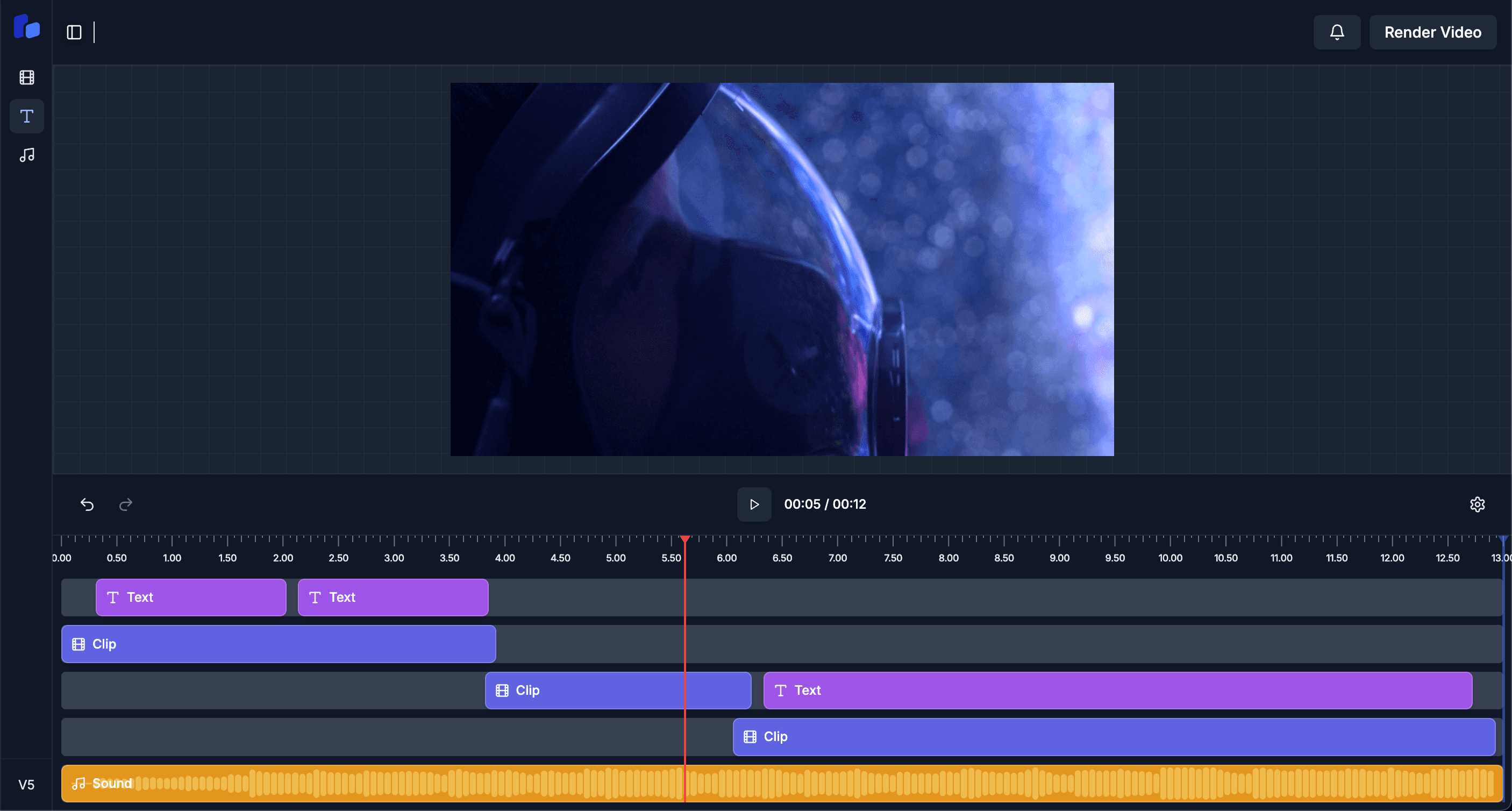
Pulls keywords and identifies low-attention segments.
Multiple stock options per insertion point, ranked by relevance.
Drops chosen B-roll on a separate track, sized to match your aspect.
Click any B-roll clip to swap it for another candidate, or delete it.
Scenario. Talking-head explainer on history — needs visual variety.
Outcome. Period-appropriate stock cutaways inserted where attention drops.
Scenario. Audio-first show, repurposing as YouTube long-form.
Outcome. B-roll matched to topic keeps eyes on screen, watch-time up.
Scenario. 90-second explainer needs office and tech-themed cutaways.
Outcome. AI sticks to neutral, professional footage that won't look like cliché stock.
Licensed stock libraries (Pexels and partners) with commercial-use rights. Monetization is safe.
AI ranks candidates by topical relevance using your transcript, then prefers under-used options to keep your videos distinct.
Yes — upload local clips and the AI will mix them with stock based on relevance.
Yes — B-roll is filtered to match your project's aspect ratio (vertical, square, or horizontal).