
Post
1:1 / 9:16 / 16:9Up to 10 minutes
Native LinkedIn video with caption body up to 3,000 characters.
 For LinkedIn
Captioned video posts, professional B-roll, and 3,000-character post bodies — for both personal profiles and Company Pages.
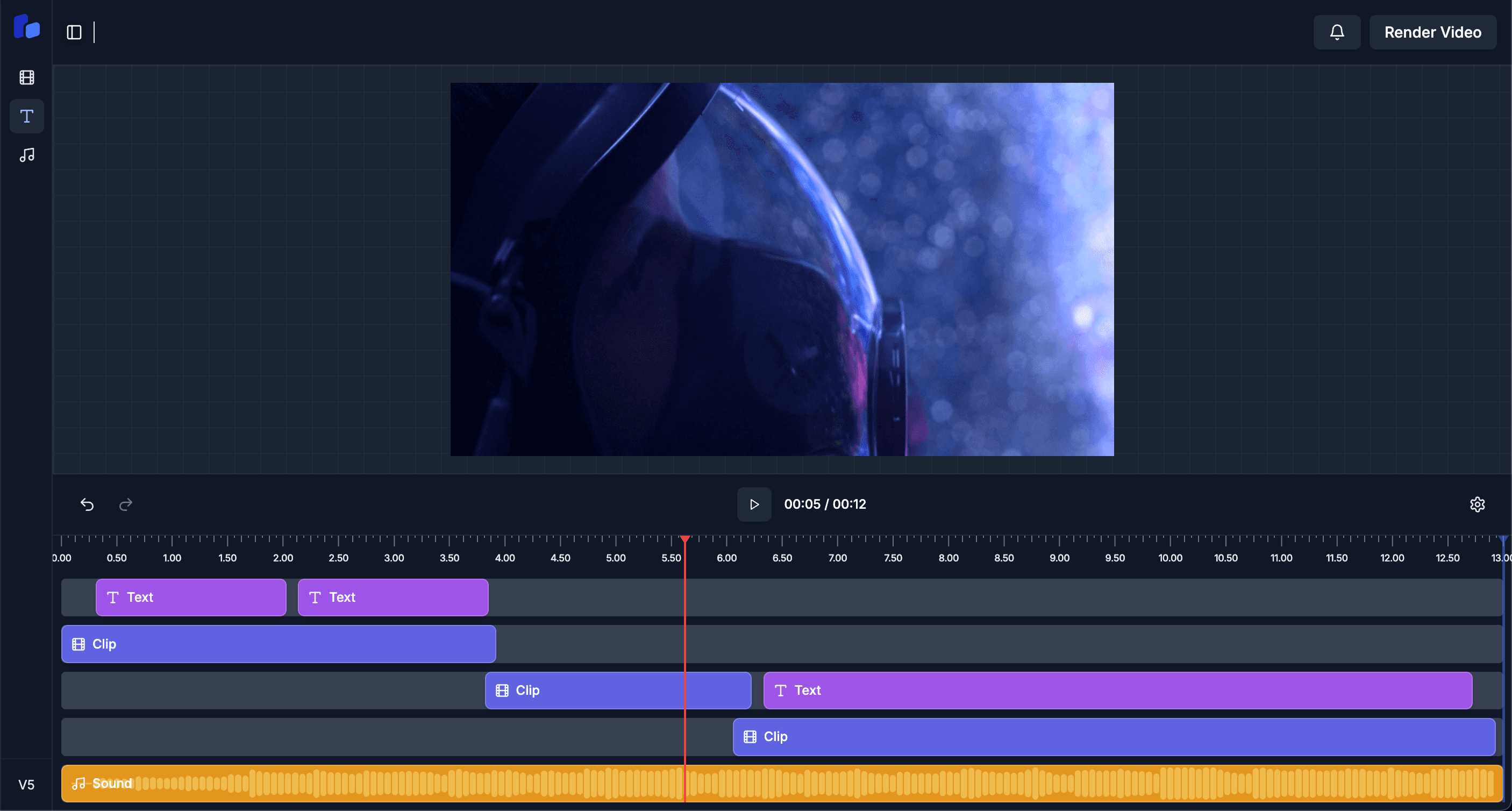
Every format is preset to LinkedIn's aspect-ratio and duration limits. No manual resizing.
Up to 10 minutes
Native LinkedIn video with caption body up to 3,000 characters.
85% of LinkedIn users watch muted — captions are non-negotiable, and we burn them in.
B-roll choices skew tasteful: charts, office, neutral environments. No meme stock.
Post from personal profile or your managed Company Pages, with separate calendars.
AI structures long-form post copy with hooks, paragraphs, and CTAs.
5–7 high-intent professional hashtags — LinkedIn rewards quality over volume.
Preview how the video will appear in feed alongside text-only and document posts.
Webinar, conference talk, or studio recording.
Captions baked in, B-roll where attention dips — both styled professional.
AI drafts a 3,000-character post body with hook, body, and CTA.
Pick the surface and the slot, then schedule.
Yes — both personal profiles and Company Pages, with separate calendars and post-copy templates.
Most LinkedIn video views happen with sound off. Burned-in captions reliably increase watch-time and dwell.
Currently we focus on video posts. Document carousel support is on the roadmap.