
Video
16:9 / 4:3Up to 12 hours
Standard horizontal long-form video.
 For YouTube
Auto-captions, B-roll insertion, chapter generation, and Shorts repurposing — one workflow for both formats.
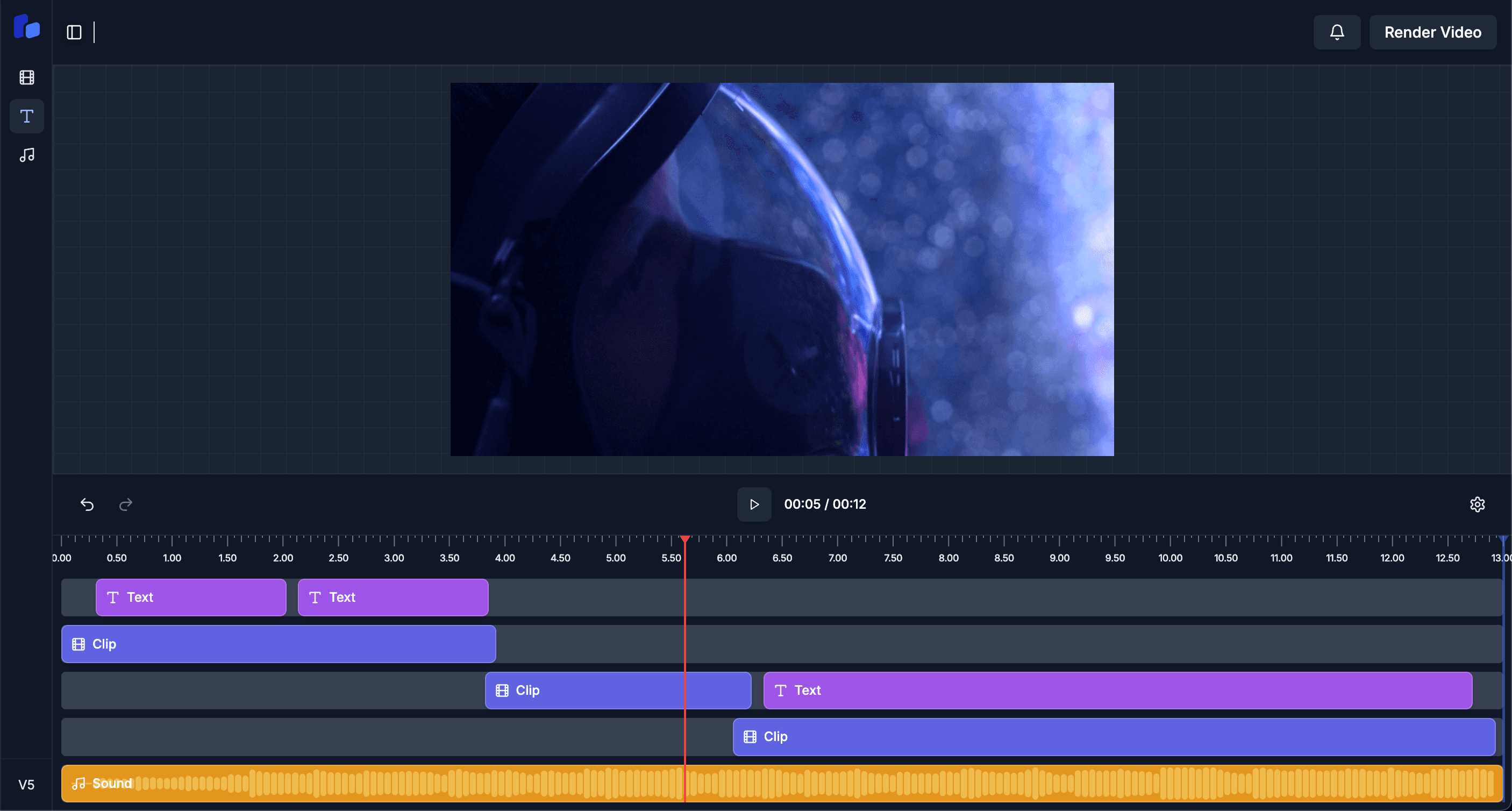
Every format is preset to YouTube's aspect-ratio and duration limits. No manual resizing.
Up to 12 hours
Standard horizontal long-form video.
Up to 3 minutes
Vertical short-form for the YouTube Shorts shelf.
AI fills attention valleys with relevant stock footage to keep watch-time high.
Chapter markers generated from your script so viewers can skim.
Pick the best clips from a 60-min video and republish vertically as Shorts.
Download captions to upload separately, or let us publish them inline.
AI scores 12 candidate thumbnails and picks the highest-CTR option.
Edits respect YouTube's end-screen zone so your CTAs aren't covered.
Podcast, vlog, tutorial, or livestream — full length is fine.
Word-timed captions and contextual stock footage where attention drops.
AI suggests 5–15 clip candidates for vertical Shorts.
Push to YouTube directly or queue for a future slot.
Yes — that's the core workflow. Edit once, publish horizontal, and let the AI extract vertical Shorts.
Yes — chapter timestamps are inferred from the transcript and inserted into your video description.
B-roll is sourced from licensed stock libraries with commercial-use rights, so monetization stays intact.